

Log your day the easy way
Tap the bed, the calendar or the diary in your room. Or tell Luna in a sentence, and she shows you what she understood before anything is saved.
Tap things in your room, or tell Luna about your day. Your diary stays on your phone.
Free in your browser. iPhone and Android apps are in testing.
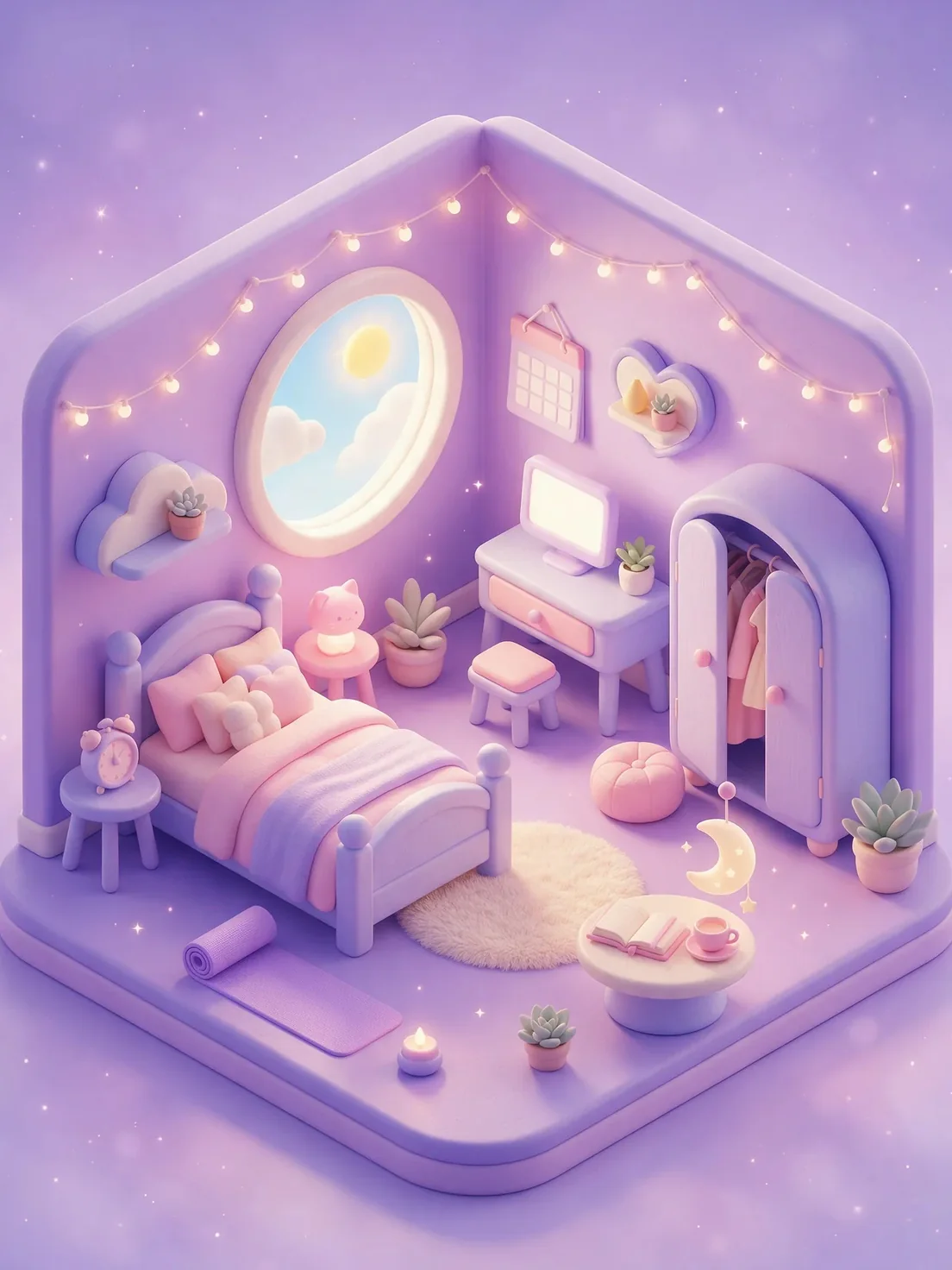



Tap the bed, the calendar or the diary in your room. Or tell Luna in a sentence, and she shows you what she understood before anything is saved.
Period days, cramps, bedtimes, meals and moods in one place, with gentle patterns as the weeks go by.
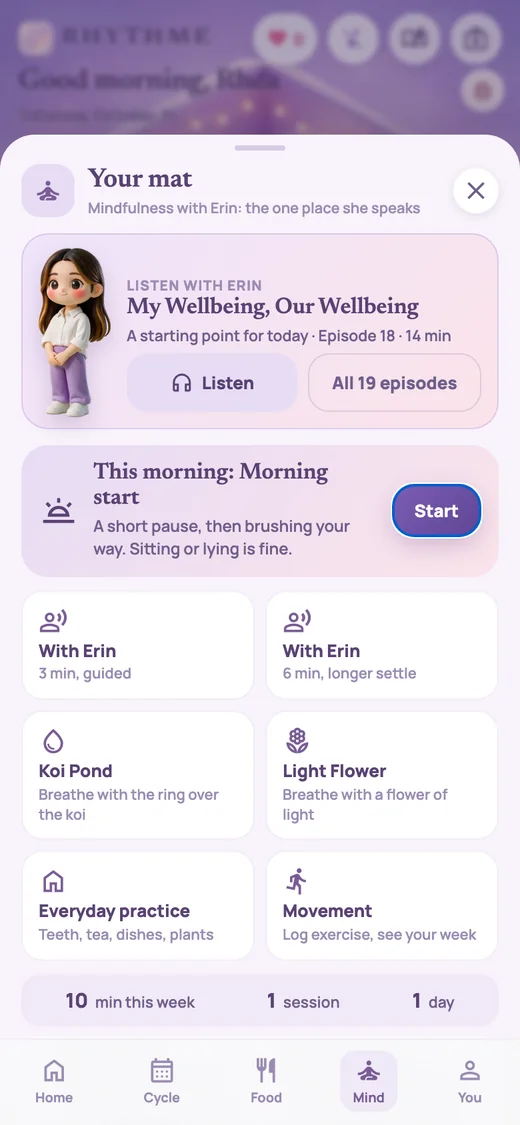
Short guided pauses with Erin Lee, and quiet breathing with the koi or a flower of light.
Grow a garden, look after hens and pets, and say hello to other people in the plaza when you feel like it.
Real screens from today's app, with a sample diary.
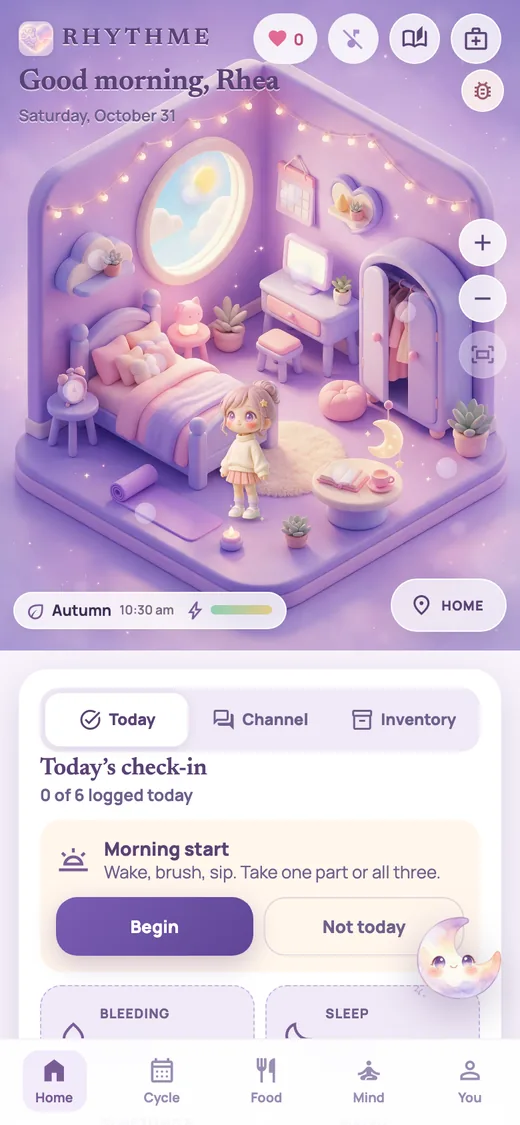
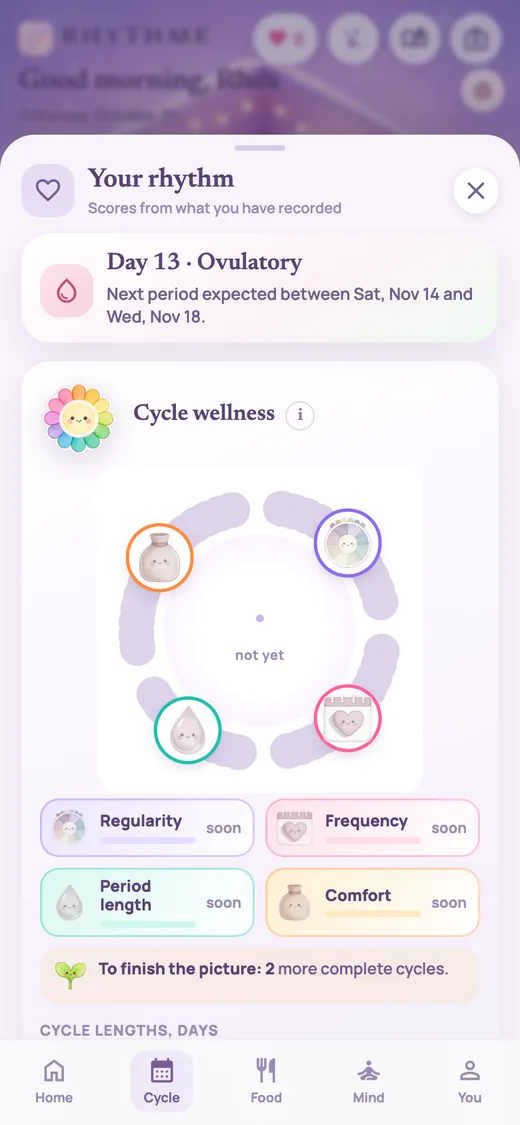
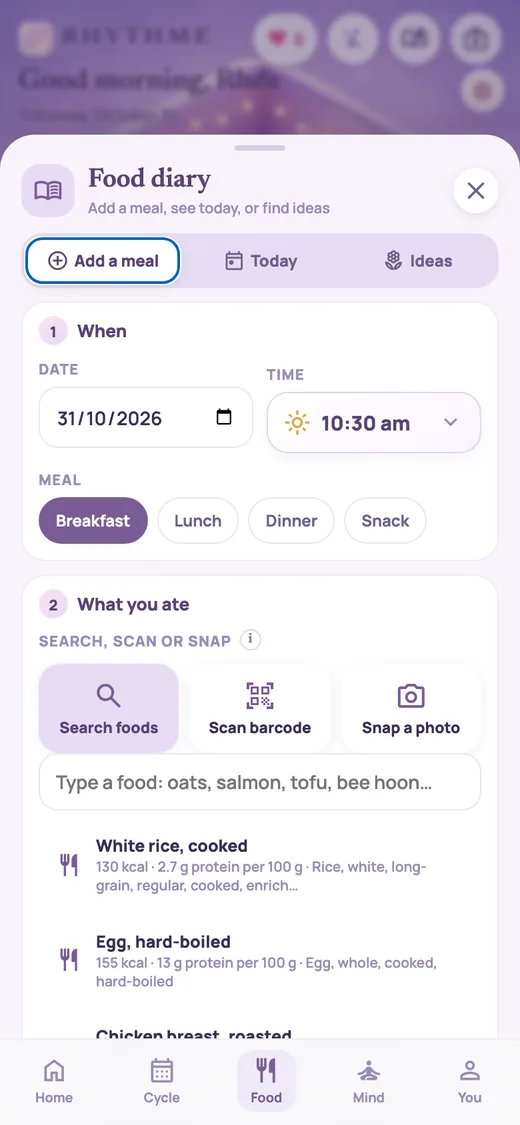
 PeriodsBleeding days, cramps and moods
 Trying to conceiveCycles and notes, without pressure
 PregnancySleep, food and how you feel
 After birthSmall check-ins for tired days
 PerimenopauseChanging cycles, sleep and moods
 MenopauseSleep, moods and everyday wellbeing
Move from your room into a dream house, or step outside.
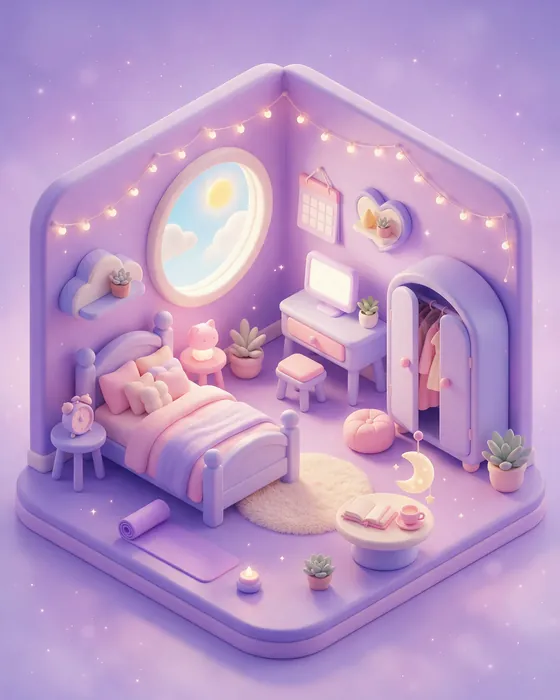 Your room
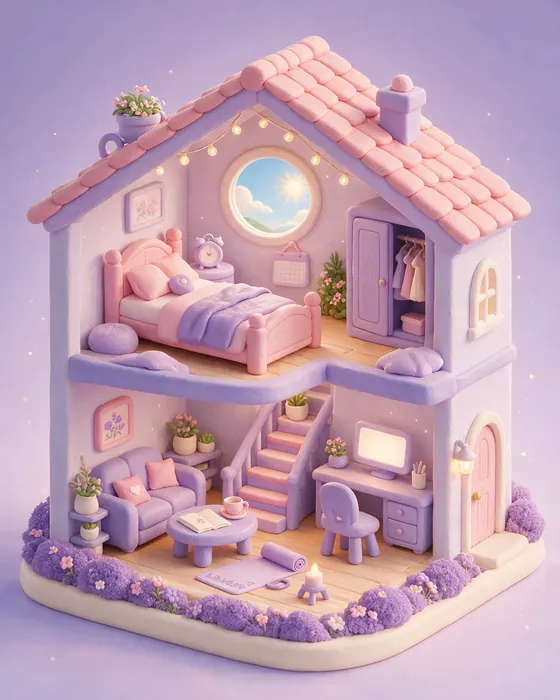 Dream house
 Bath house
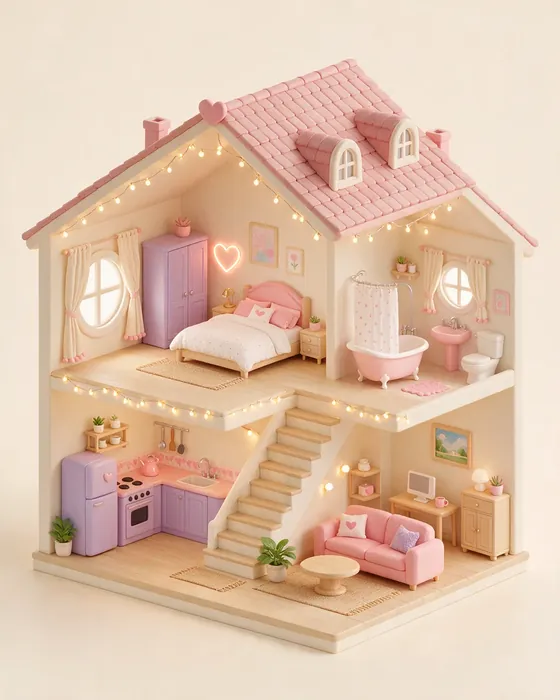 Family home
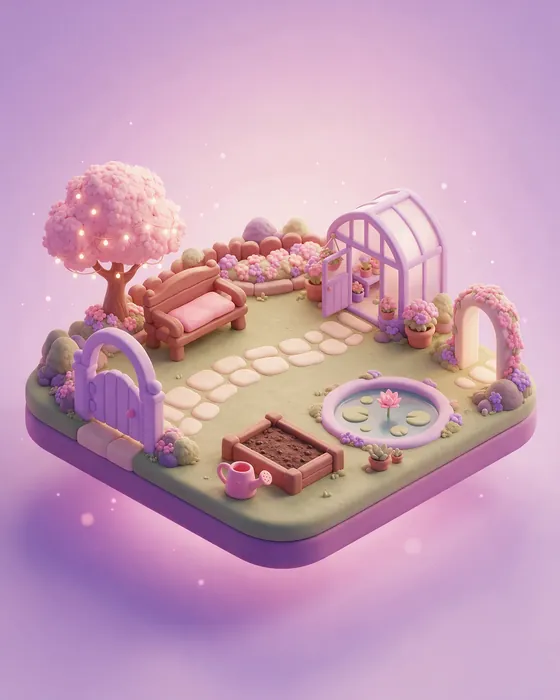 Garden
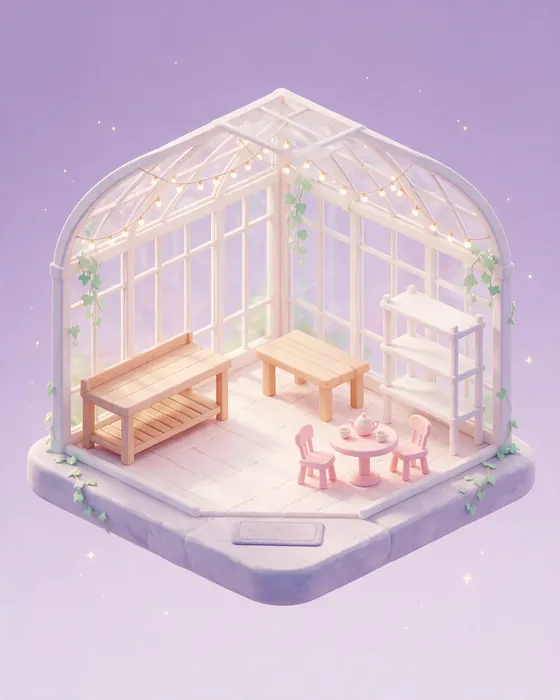 Greenhouse
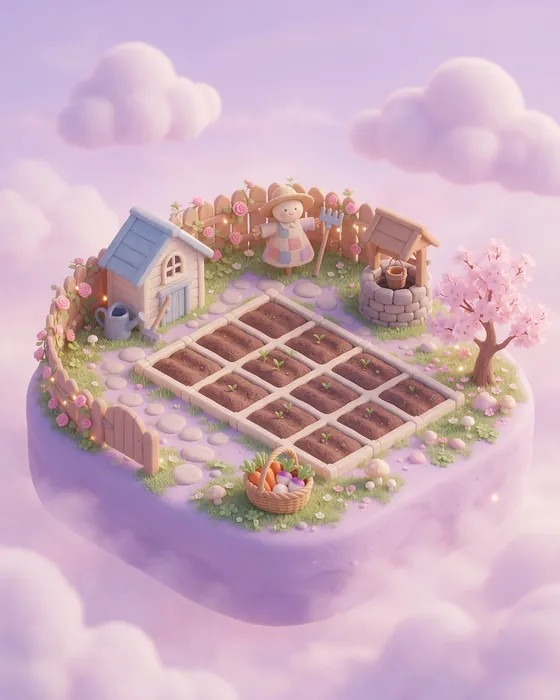 Farm
Farm Barn
Barn Community plaza
 Harbour
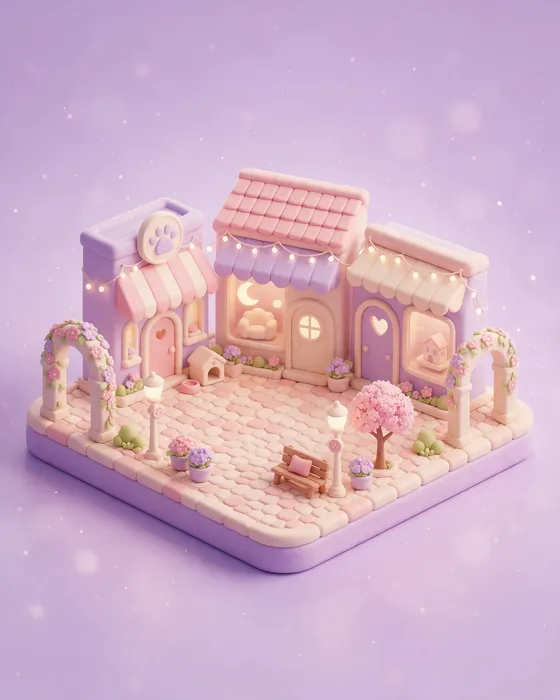 Dream Street
Once Jamie sends your link, open it in your browser, then add it to your home screen.
Request to test